
Use every metre of every bed, every week.
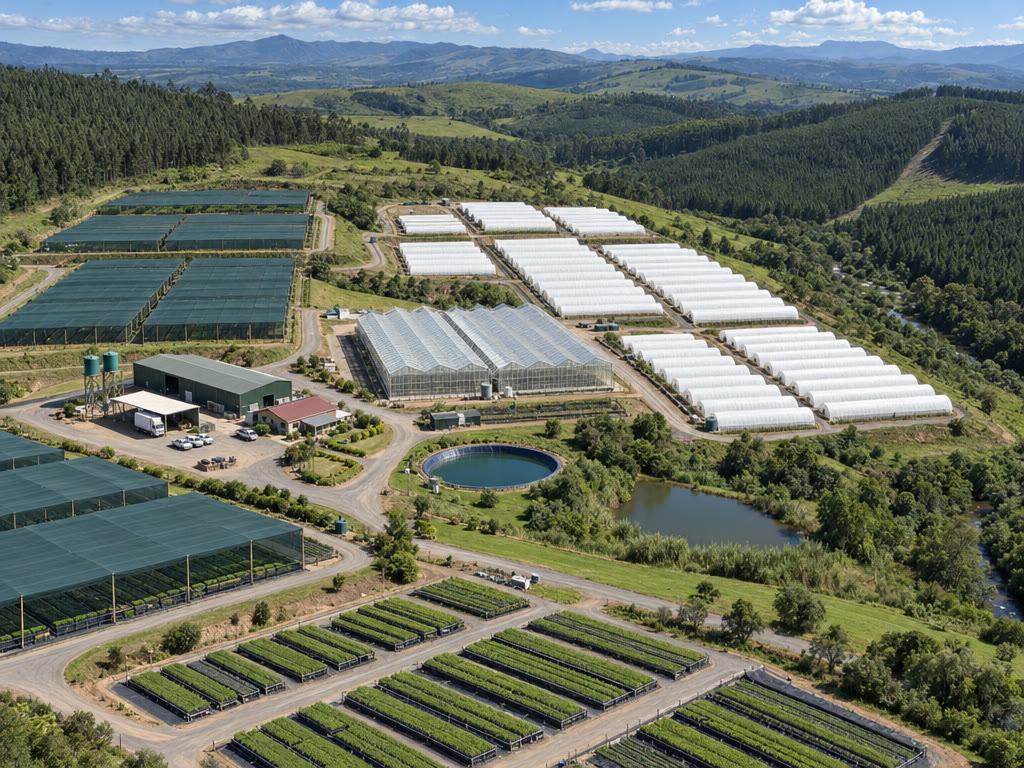
Your nursery, drawn to scale: camps, tunnels, beds and the trays on them. OperoNMS books space for every phase of every batch, checks it fits before you commit, and shows the weeks you will run out of room while there is still time to act.
Nursery › camp › tunnel › bed.
Bench rows, fixed beds, rolling benches and trolley bays are all beds. Add a camp with its growing environment, the number of tunnels, beds per tunnel and the default bed size, then adjust any tunnel or bed that differs.
- Margins in millimetres: long sides, ends and the gap between trays
- Capacity shown in the tray type you choose
- Growing environments: germination house, rooting tunnel, shade-net camp, hardening camp, open beds
- Location type, climate zone, area, and departments marked out of use
Every bed drawn to scale, coloured by species, week by week.
Each camp is a card of tunnels. Step through the weeks and watch the nursery fill and empty. Open a tunnel to see exactly which batch is on which bed, how its trays lie, and the metres left.
Place on beds
Choose "Place on beds…" or drag a phase onto a camp. "Best start" picks the start bed. The proposal shows the beds, how the trays lie (across × rows), the length used and what is left.
Checked before it is booked
If the trays don't fit, a red message says so before anything is saved. If someone books the same space first, you get a fresh proposal, never a double booking.
Print a tunnel sheet
A printed sheet per tunnel tells the team which trays go where this week, so the floor matches the plan.
Auto-place every waiting phase in one step.
"Auto-place with Optimiser" places every unplaced phase at once, in the camps with the most room, previews the fit and books the beds. Review the result, move what you want by hand, or "Clear Future Placements" and start again.
See the overbooked weeks months ahead.
A heat table of committed against usable space by week, environment and camp. Above 100% means overbooked. Most nursery managers make it a Monday routine with the production plan: move a sowing, add a tunnel, or decline an order while there is still time.
- By week, environment and department
- Proposals check space for every phase before you accept them
- The Home page meter shows this week's utilisation
Every tray you use, so every calculation is in real trays.
Outside size, plants per tray, cell volume, material, returnable or single-use, and unit cost. A default tray per species pre-fills new batches. Trays are retired, never deleted, so old batches still make sense.
Returnable trays are followed through a ledger, from sowing to the customer and back. See the tray ledger.
Bed hygiene built in
After a batch is disposed of for disease or pests, or a hedge is retired, its beds read "Needs cleaning" until cleaning is recorded. OperoNMS refuses to place a new batch there and says why.
Labels on every bed
Click a bed on the layout to print its QR label. On the floor, scanning it on the tablet shows every batch planned on that bed today, even with no signal.
The floor tablet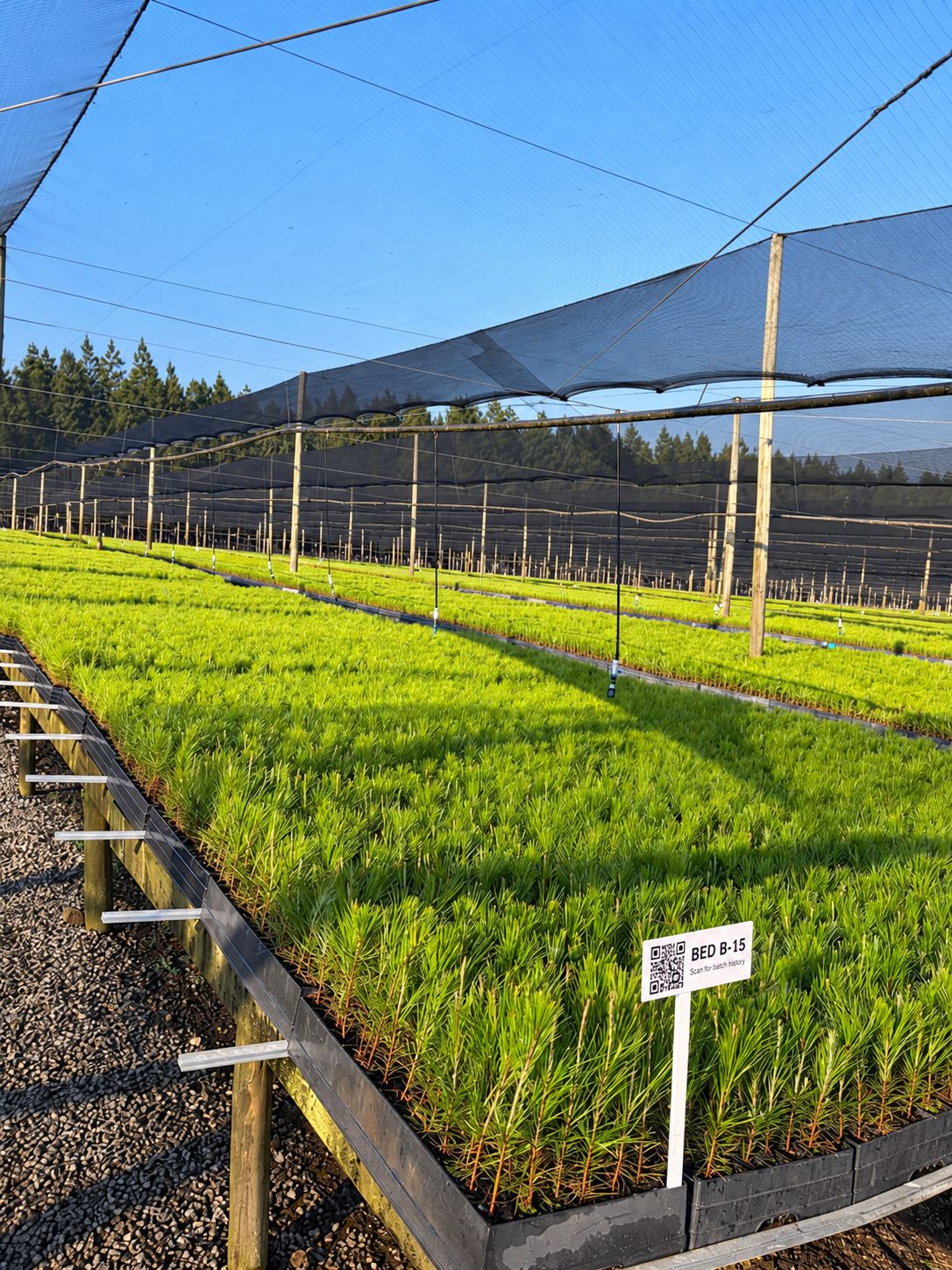
Be one of our first pilot nurseries.
We work closely with a small group of nurseries to set up OperoNMS on their sites. You get hands-on setup and training, your own nursery's layout and recipes loaded with you, and a direct say in what we build next.