Nursery management software · Forestry, horticulture and agriculture
Plan every seedling, from sowing to dispatch.
OperoNMS plans your production, space and orders, then follows every batch on the nursery floor. You know what to sow, where it will grow and when it will be ready, before you commit a single tray.
Data hosted in South AfricaAndroid tablet works offlineStart small, add modules later
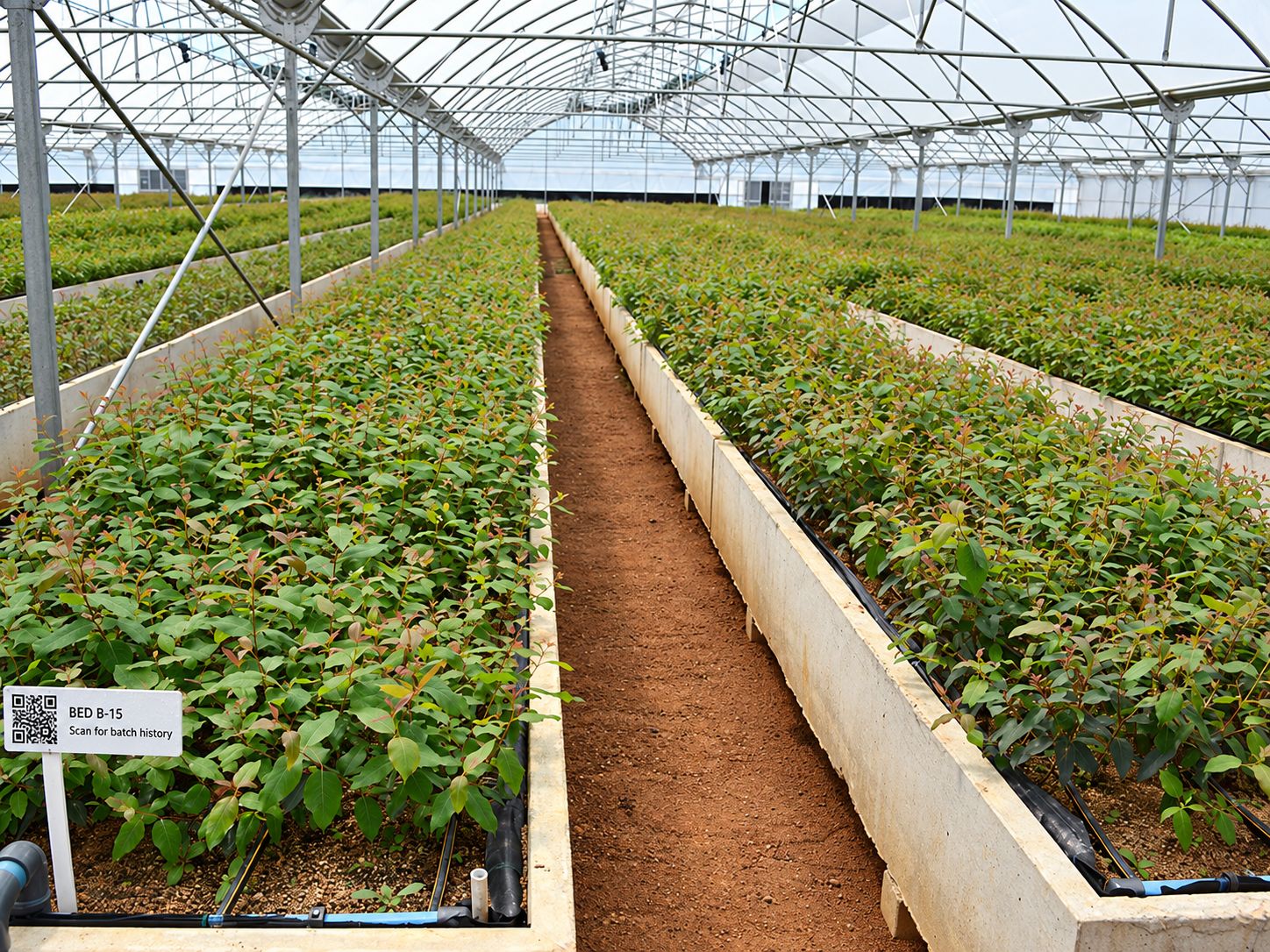
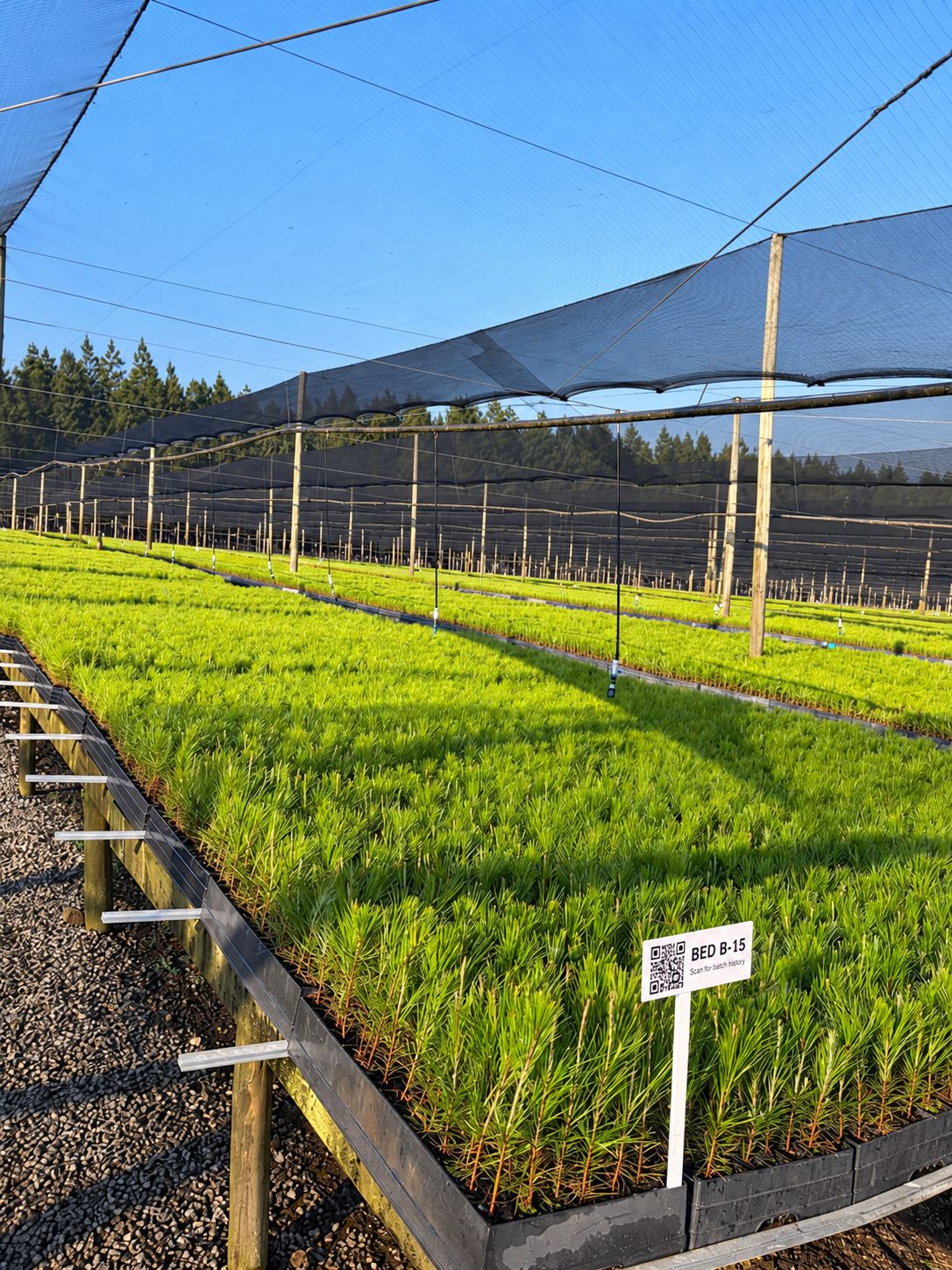
BED B-15 · Pinus patulaOn track
Ready week 41 · 38,400 plants
Example data for illustration
Built for nurseries that growForestry seedlings and clonesVegetable and herb seedlingsMacadamia and grafted treesPot and bedding plantsTrees and shrubsCut flowers
Sound familiar?
A nursery runs on hundreds of decisions a week, and most of them live in someone's head.
Sowing plans in one spreadsheet, the bed layout on a whiteboard, orders in email, tray counts on paper and quality checks in a notebook. Every one of them is right on the day it was written.
"Did we sow enough?"
You find out an order is short when the plants are already too young to catch up.
"Where will it all fit?"
Hardening camps overflow in the same weeks every year, because nobody can see twelve weeks ahead.
"Where are our trays?"
Thousands of returnable trays sit at plantations, and nobody knows which customer has them.
"What did we deliver?"
A customer queries a load, and finding the batch, the inspection and the delivery note takes a day.
OperoNMS puts the whole season in one place.The order drives the plan, the plan drives the space and the sowing, the floor records what really happened, and next season's plan learns from it.
Why nurseries use OperoNMS
The grower's knowledge, the planner's numbers and the floor's reality in one system.
Real screens from the system, showing demo data from a fictional forestry nursery group with three nurseries and 35 plantations. Click any screen to see it full size.
Every day OperoNMS compares open orders with what will be ready. Where an order would be short, it proposes a batch with the start quantity, trays and sow-by date.
Every tray movement is a ledger entry: sowing, dispatch, return, washing, breakage and charges. You see which customer has how many trays, and for how long.
The management dashboard measures every nursery against its targets, from what was actually recorded. Click a tile to see the orders or batches behind the number.
With no signal at sign-in, your six-digit PIN opens capture-only mode.
Interactive: tap the tabs, scan a label, save a count. Example data from the demo nursery.
On the nursery floor
Every bed and batch has a label. Scan it, record it, done.
Your teams count stock, record losses, run quality checks and load trucks on a rugged Android tablet. What they record flows straight back into the plan. Try it: the tablet on this page works.
Counts and losses with a reason. Disease, pests, weather or culls, with a photo for large losses.
Works without signal. Captures are saved and signed on the tablet, and sync when it's back online. Switch the tablet out of signal and save a count to see it.
Plans get better every season. Actual timings and losses refine your growing recipes for the next batch.
Five jobs, nothing else. Count, Beds, QC, Dispatch and Me. Big buttons, light screen, readable in the sun.
Internal orders from your own plantations and external customer orders sit side by side. OperoNMS checks each one against what's growing and tells you early if it's covered or short.
21days a passed quality inspection stays valid for dispatch
72 hdefault offline window on the tablet, up to 7 days
0servers to run on your site
Planning, not another ERP
OperoNMS does the planning and leaves the bookkeeping to the systems you already use. It works with Excel and barcode scanners, and connects with your ERP or accounting package on request.
We work closely with a small group of nurseries to set up OperoNMS on their sites. You get hands-on setup and training, your own nursery's layout and recipes loaded with you, and a direct say in what we build next.